
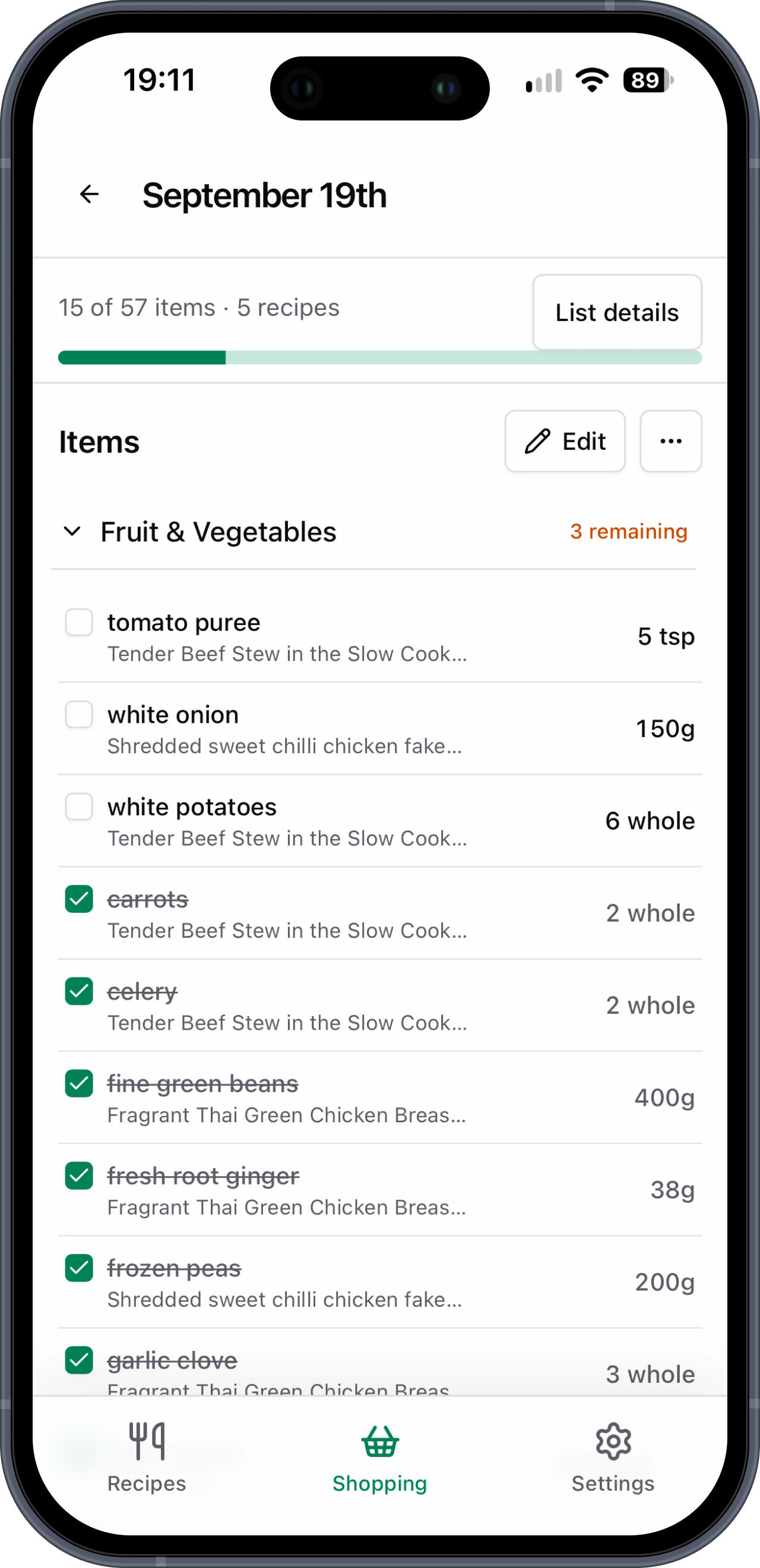
Best with Safari
Install on iPhone
Use Safari's share sheet to keep your shopping lists one tap away.
Open Basket List in Safari
Go to basketlist.co.uk in Safari and sign in to your account.
Tap the Share button
Look for the square with an arrow in Safari's toolbar.
Choose Add to Home Screen
Scroll the share sheet if you do not see it straight away.
Tap Add
Basket List appears alongside your other apps and opens full screen.